
IPTV Smarters Pro
How to Setup IPTV Smarters Pro
Last updated: April 2026
IPTV Smarters Pro is a popular IPTV app for Firestick, Android TV, and Smart TVs. This guide walks you through installation, adding your subscription via Xtream Codes or M3U playlist, and fixing common errors. Compare our IPTV plans to find a subscription that works with IPTV Smarters Pro.
Quick Answer
To set up IPTV Smarters Pro:
- Enable Apps from Unknown Sources and install the Downloader app on Firestick
- Use Downloader to download and install the IPTV Smarters Pro APK
- Launch the app and add your subscription via Xtream Codes or M3U playlist
- Enter server URL, username, and password (Xtream Codes) or paste M3U link
- Browse channels and stream—refresh the playlist if channels don't appear
Install IPTV Smarters Pro on Firestick
IPTV Smarters Pro can be installed on Firestick via sideloading or, in some regions, from the Amazon App Store. For sideloading, follow these steps:
Step 1
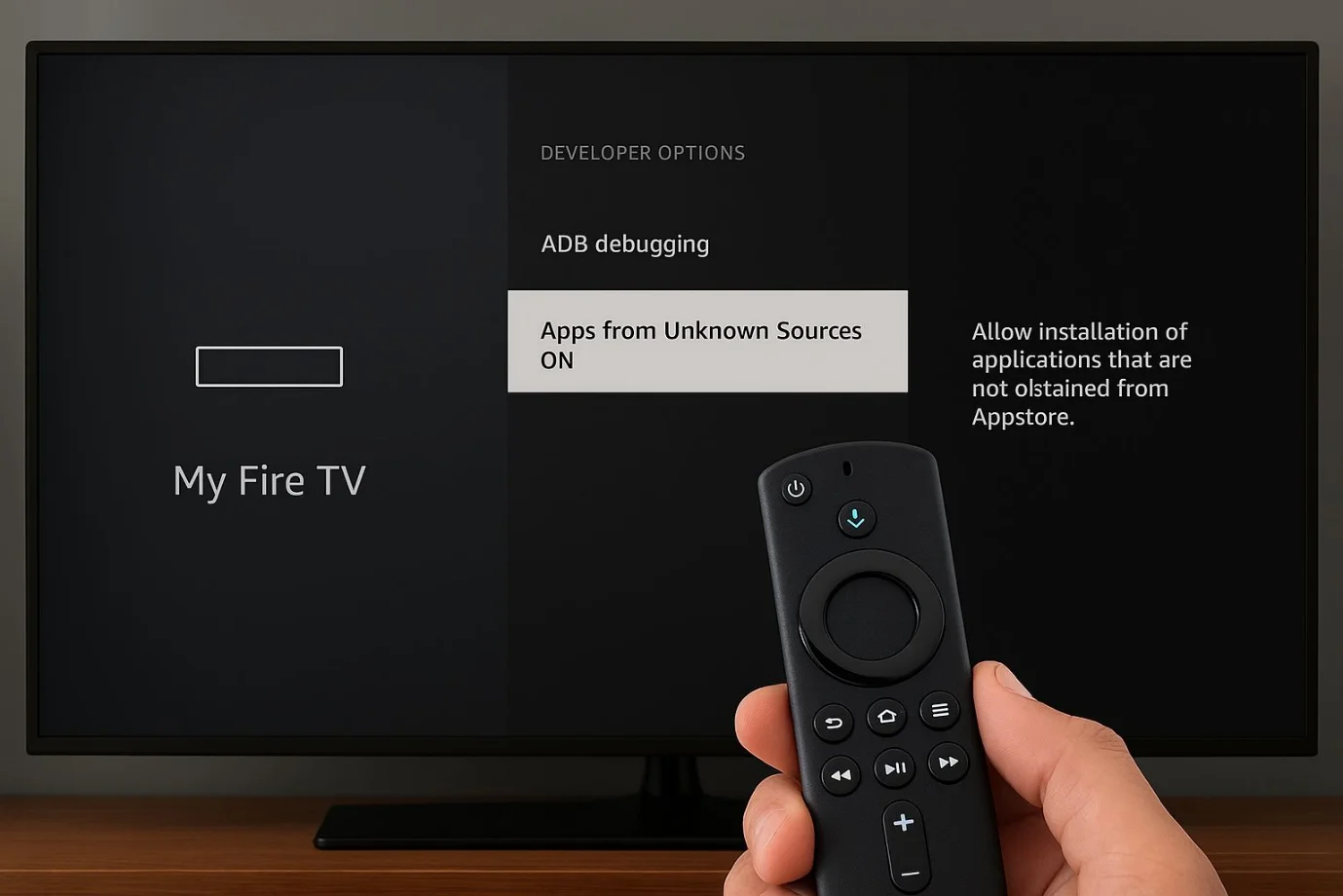
Enable Apps from Unknown Sources
Go to Settings → My Fire TV → Developer Options and turn on "Apps from Unknown Sources".
Step 2
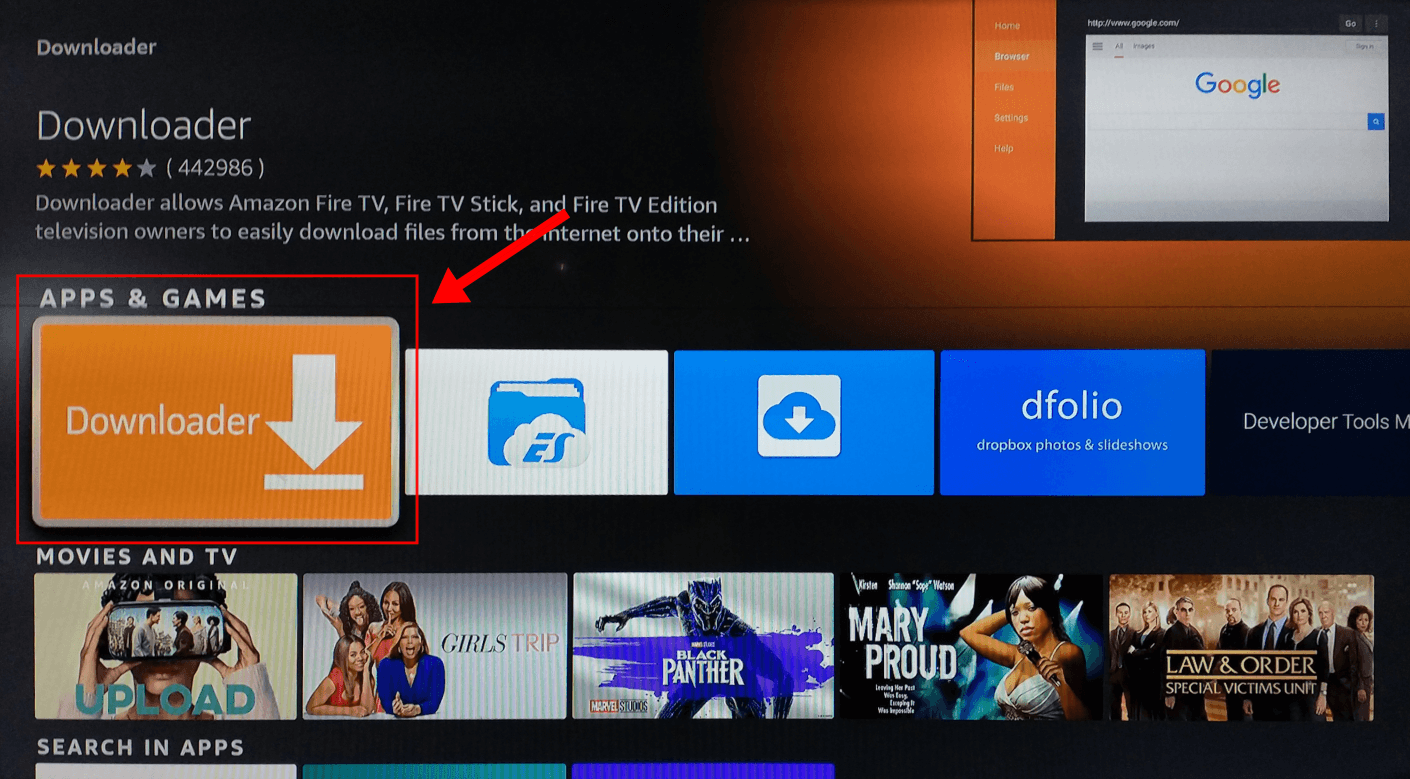
Install the Downloader App
Search for "Downloader" in the Fire TV App Store and install it.
Step 3
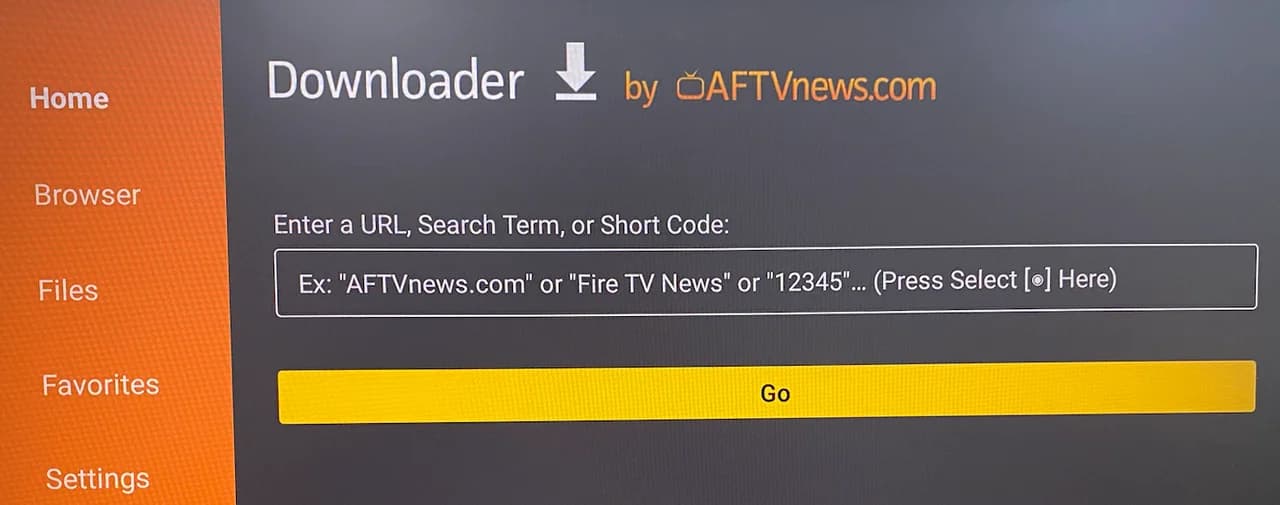
Enter IPTV Smarters Pro APK URL
Open Downloader and enter the IPTV Smarters Pro APK URL (from the official site or your provider).
Step 4
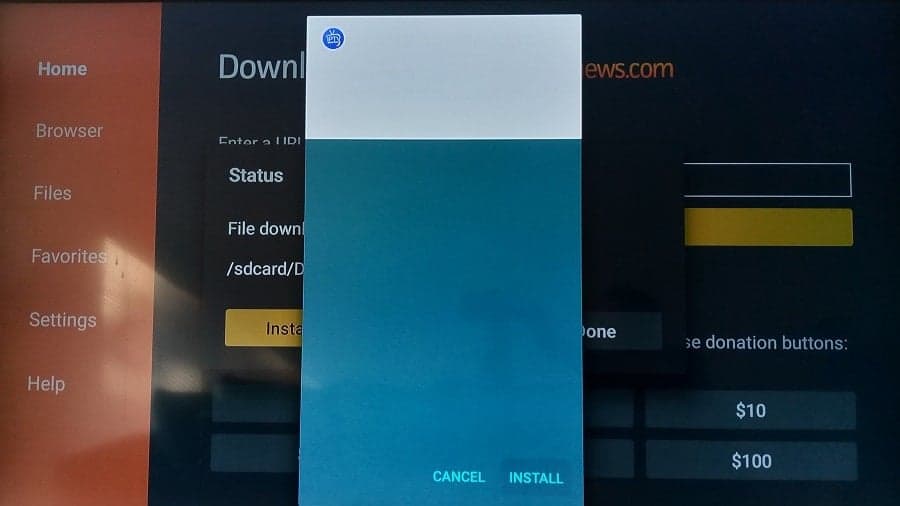
Download and Install
Download and install when prompted. Wait for the installation to complete.
Step 5
Launch IPTV Smarters Pro
Open IPTV Smarters Pro from Your Apps. Add your subscription using the steps below.
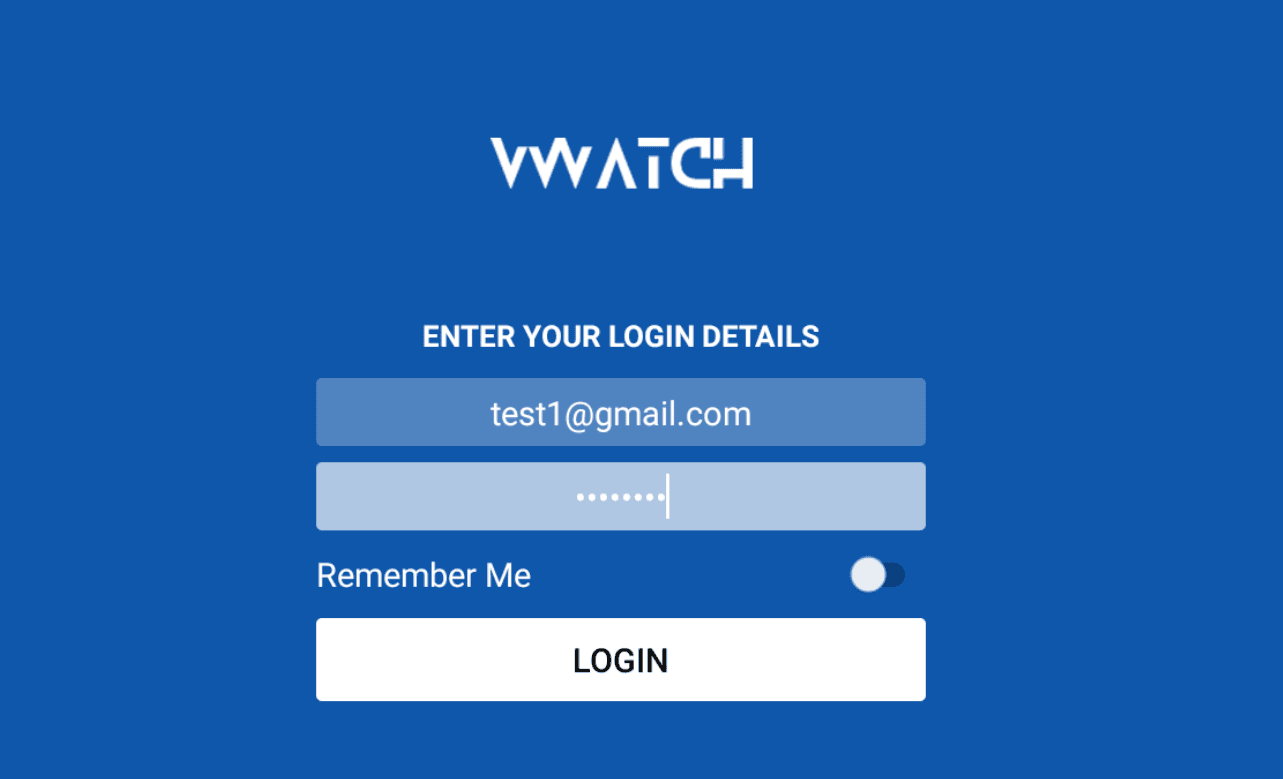
Follow this Firestick IPTV installation guide for full steps. For Samsung Smart TV, see how to watch IPTV on Samsung Smart TV. Alternative players like TiviMate use a similar sideload process.
Add Xtream Codes Login
If your IPTV provider uses Xtream Codes:
- Open IPTV Smarters Pro and select Add User or Add playlist
- Choose "Login with Xtream Codes API" or similar
- Enter the server URL (e.g. http://server.example.com:8080), username, and password from your provider
- Save; the app will load your channels and EPG
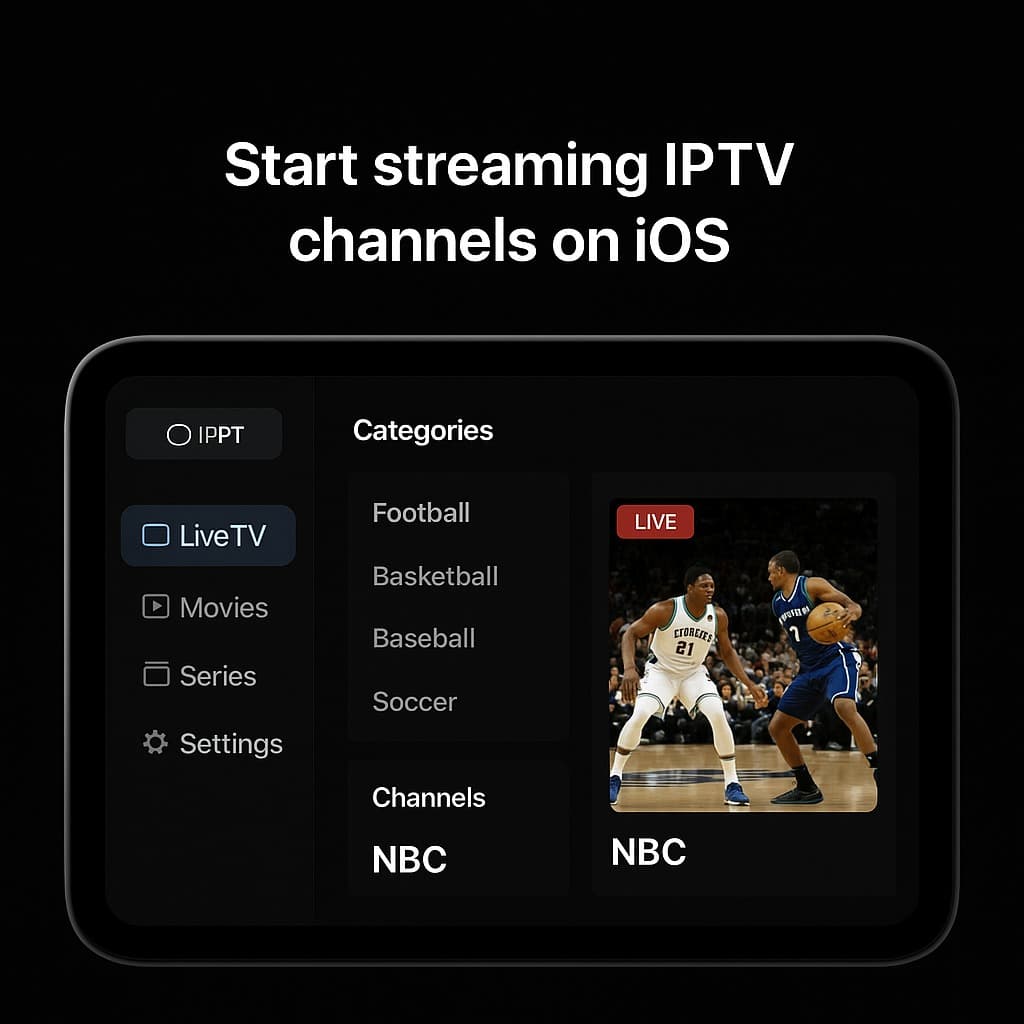
Credentials come from your provider when you subscribe. If you prefer M3U, see the next section. For playlist setup in other apps, see how to add playlist to TiviMate.
Add M3U Playlist
If your provider gives you an M3U or M3U8 link:
- Open IPTV Smarters Pro and select Add User or Add playlist
- Choose "Load Your Playlist or File / URL" or "M3U URL"
- Paste your M3U link (e.g. https://provider.com/get.php?...) from your provider
- Save; channels will load automatically
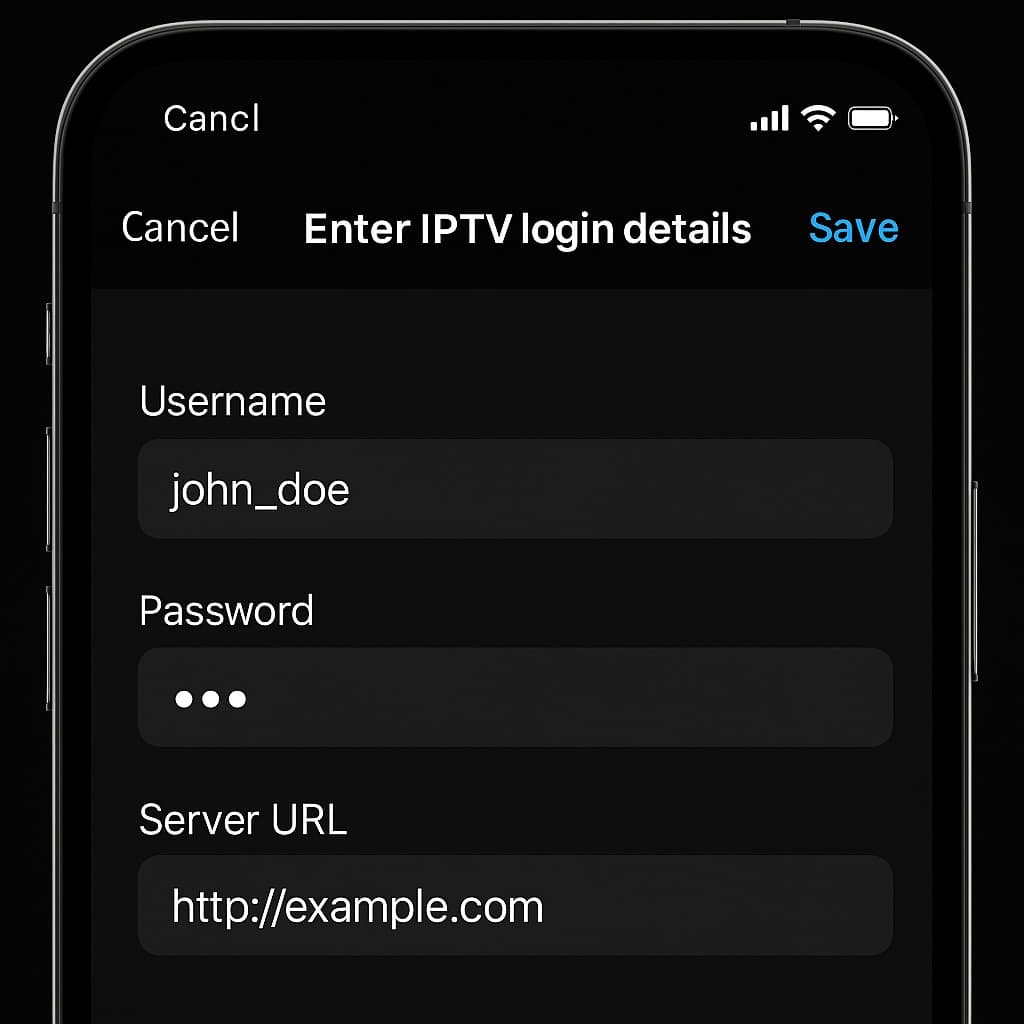
Copy the URL exactly from your provider's dashboard or email. Avoid extra spaces or characters.
Troubleshooting
Playlist not loading
Check the URL, username, and password for typos. Ensure your subscription is active. Some providers need a specific URL format (with or without port). Contact your provider for correct credentials.
Invalid M3U link
The URL must start with http:// or https://. Include the port if specified. Copy the exact link from your provider's dashboard—avoid shortening or modifying it.
Xtream Codes login error
Verify server URL (including port), username, and password. Ensure no extra spaces. Some providers need a specific path (e.g. /c/). Contact your provider for correct Xtream Codes credentials.
Channels not appearing
Refresh the playlist in app settings. Wait a few minutes after adding—some providers take time to activate. Verify your internet connection is stable.
Buffering or freezing
Use at least 10 Mbps for HD streaming. Prefer Ethernet over Wi-Fi on Firestick. Close other apps. Lower video quality in the app settings if needed.
Supported Devices
IPTV Smarters Pro works on these device types:
- Firestick — Install via sideloading. See our Firestick IPTV installation guide
- Android TV — Works on NVIDIA Shield, Xiaomi, and other Android TV boxes. See how to watch IPTV on Android TV Box
- Smart TVs — Available on some Samsung (Tizen) and other Smart TV app stores. See how to watch IPTV on Samsung Smart TV
Understanding IPTV Login Types
IPTV Smarters Pro supports both Xtream Codes and M3U playlists. For detailed guides on each format—when to use which and how they work—see our Xtream Codes login guide and IPTV M3U playlist guide.
Alternative IPTV Apps
Other IPTV players you can use instead of IPTV Smarters Pro:
- TiviMate — Advanced EPG, recording, and multi-playlist support
- Smart IPTV — Lightweight, one-time purchase, popular on Smart TVs
- OTTPlayer — Web-based option, works in browsers
Compare in our best IPTV apps guide.
Need an IPTV subscription for IPTV Smarters Pro? Compare plans with UK channels and sports, or start with a free trial before subscribing.
View IPTV Plans